



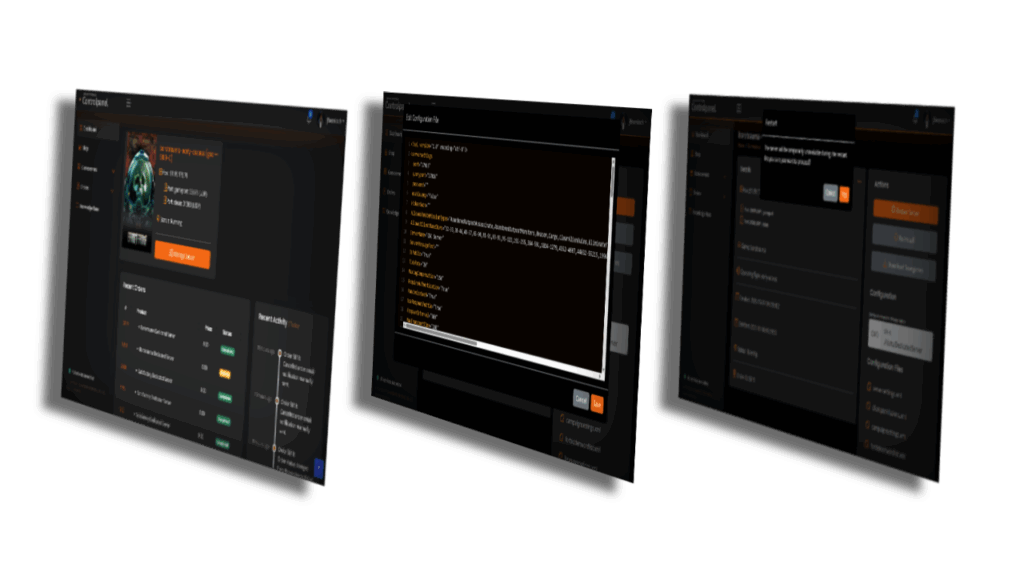
Follow these simple steps to log in and manage your game server:
Step 1: Visit the Login Page
- Navigate to the controlpanel.gameservercentral.eu
- Click on the “Login” button located at the top right corner of the homepage.
Step 2: Enter Your Credentials
- Enter your username and password in the provided fields.
- Click on the “Login” button to proceed.
Step 3: Allow Access to Your GameServerCentral Profile
- After clicking the login button, you will be redirected to an authorization page.
- This page will ask you to allow access to your GameServerCentral profile.
- Review the requested permissions and click “Allow” to grant access.
Step 4: Redirect to the Control Panel
- Once you allow access, you will be automatically redirected to the GameServerCentral Control Panel.
- You will now have full access to manage and customize your game server.
If you encounter any issues or need further assistance, please contact our support team. We’re here to help you!